
What Is a Court Docket in Collin County
A docket is the running list of a case. In one sense it is the schedule, the calendar of hearings and settings a court plans to hear. In another sense it is the history, the dated log of every filing, order, and event entered in a case. Both meanings show up in Collin County. The Court Calendar Search handles the schedule side. The case search tools show the activity side once you open a specific case. Either way, a docket is a summary. It is not the full file.
The difference matters. A docket entry might read that a motion was filed or a hearing was set, but the actual motion, the exhibits, and the signed order live in the case record. Think of the docket as the table of contents and the case file as the chapters. For a quick status check or a hearing date, the docket is usually enough.
Dockets also vary by court. A felony docket in district court reads differently from a small claims docket in a justice court. The labels and the codes shift with the case type. A probate docket tracks estate and guardianship settings, and a magistrate docket logs early criminal steps like bond and probable cause. Each court keeps its own calendar, so the same name can appear on more than one docket if a person has cases in different courts.
How to Find Collin County Dockets Online
The county runs a Case Information page that links every public search tool. For schedules, the right tool is Court Calendar Search, which lets you search and browse the calendar for any case type in any court. The catch is that you must pick the case type first, then click the Court Calendar link. For probate settings, the older county note says to search by judicial officer; the Probate Court is now led by Judge Sarah Duff, so confirm the officer before you rely on a legacy name.
If you want the activity log instead of the schedule, open Case Record Inquiry. It searches one case type at a time and updates in real time, so a same-day change shows up right away.
- Open the county Case Information page and choose Court Calendar Search.
- Select the case type first, such as Criminal, Civil, Family, or Probate.
- Click the matching Court Calendar link, then enter a name, cause number, or court.
- Review the calendar for the setting date, court, and hearing type.
The state self-help portal can help filers who need to prepare for a setting. You can build certain court forms step by step through eFileTexas Guide & File, which the justice courts and other Collin County courts support.
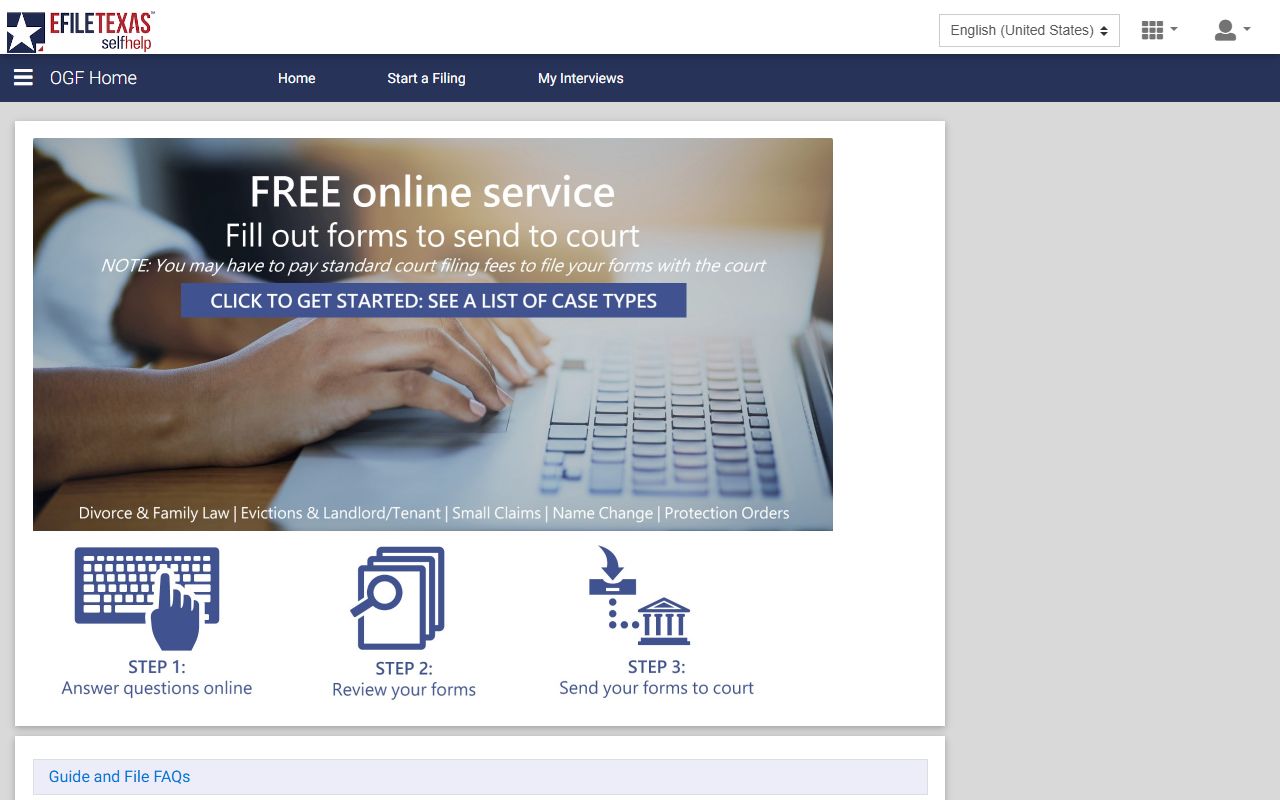
Guide & File does not show dockets itself, but it helps a self-represented party file the documents that then appear on the docket.
Case Search vs Court Calendar Search
Two tools sound similar but answer different questions. Case Search finds the case and its record. Court Calendar Search finds the hearing schedule. People often open the wrong one and miss what they need, so the comparison below sorts them out before you start.
| Case Search | Court Calendar Search | |
|---|---|---|
| Answers | What is the case and its history | When and where is it set |
| First step | Search across all case types at once | Select a case type, then the calendar link |
| Best for | Filings, parties, status, outcome | Hearing dates and court settings |
| Updates | Daily at 6 p.m. for Case Search | Tied to the court calendar |
Case Record Inquiry sits between them. It searches one case type at a time and refreshes in real time, which makes it the choice when a same-day change has to show immediately.
Courts That Publish Dockets in Collin County
Texas uses a layered court system, and Collin County reflects every level. Each level keeps its own dockets and calendars. The county case tools pull settings from the district courts, the county courts at law, the probate court, and the justice courts. City municipal courts run their own systems, so their dockets are not in the county search.
- District Courts - 15 numbered courts hearing felony, family, and large civil dockets.
- County Courts at Law - seven courts handling misdemeanor, limited civil, and mental health settings.
- Probate Court - estate, guardianship, and mental commitment settings; search the probate calendar by judicial officer.
- Justice of the Peace Courts - four precincts with small claims, eviction, and some traffic settings.
- Magistrate Court - bond, probable cause, and rights settings in early criminal steps.
Justice courts run hearings by Zoom and in person, and the hearing notice controls how a party should appear. Always read the notice rather than guess. The Court of Appeals sits a level above these trial courts, and its calendars are published by the state appellate system rather than the county.
Online coverage does not reach back forever. The county case tools cover active cases in all of these courts, plus a long stretch of historical cases. Civil and probate cases in district court and county court at law are searchable from 1984 forward. District court criminal cases go back to 1988, while county court at law criminal cases start in 2000. Justice court historical coverage in Case Record Inquiry begins on precinct-specific dates in 2009, with Precinct 1 from May 4, 2009 and the other precincts from August 3, 2009. Older settings fall outside online search and need a clerk request.
Docket vs Full Case Record
The docket and the case record are not the same thing. The docket is a list of events and settings. The full case record holds the actual documents behind each line. People sometimes pull a docket, see a motion listed, and expect to read it on the same screen. That motion lives in the case file instead, sometimes behind re:SearchTX or a clerk copy request.
| Docket | Full Case Record | |
|---|---|---|
| Format | List of entries and settings | Full documents and orders |
| Access | Often online and free | May need a fee, re:SearchTX, or a visit |
| Use | Track case progress and dates | Legal review and evidence |
For the documents themselves, the Collin County court records page covers how to pull copies and what each clerk holds.
How to Find a Docket Setting
When you only need a date, the steps are short. The goal is the next setting, not the whole file. Start with the case type, since the calendar tool wants that first. Then narrow to the court and the party.
- Confirm the case type, since Court Calendar Search asks for it first.
- Open the matching Court Calendar link from the Case Information page.
- Search by party name, cause number, or court to pull the calendar.
- Note the setting date, the court number, and the hearing type, then confirm with the clerk if it is important.
Note: Settings can move, so check the calendar again close to the date and confirm with the court that holds the case.
How to Read a Collin County Docket
Docket lines use shorthand. A status tells you where the case stands, and a few terms come up again and again. The table below covers the common ones observed in the county tools and the standard Texas terms behind them. Read the status and the disposition together, because a closed case can end in very different ways.
| Status or Term | What It Means |
|---|---|
| Pending | The case is open and unresolved. |
| Filed | The case or document was entered with the clerk. |
| Case is Closed | The court has resolved the case. |
| Driver's Safety Course Granted | A traffic defendant was approved for a defensive driving option. |
| Continuance | A hearing or trial was postponed. |
| Disposition | The outcome of a case or charge. |
| Capias | An order to arrest, often after a missed setting. |
A magistration line uses its own caption, reading "Magistration of" a person rather than a State versus defendant style. That marks an early criminal appearance for rights, probable cause, and bond, not a finding of guilt. Case numbers also hint at the court. A magistrate matter may carry a DCMAG prefix, a traffic case may read in a TR format like 04-TR-26-04245, and a civil or family case shows a three-part cause number. Reading the prefix alongside the status gives a quick sense of what the docket entry is about before you open the full case.
Appellate Dockets Above the Trial Courts
When a Collin County case is appealed, the docket moves up. Appeals from the trial courts generally route to the Dallas-based Fifth Court of Appeals, and from there to the high courts. The county case search does not track those appellate dockets. The state appellate system publishes them instead, with its own calendars and case numbers.
You can read about the intermediate appellate level through the Texas Courts of Appeals page, which explains how civil and criminal appeals are heard.
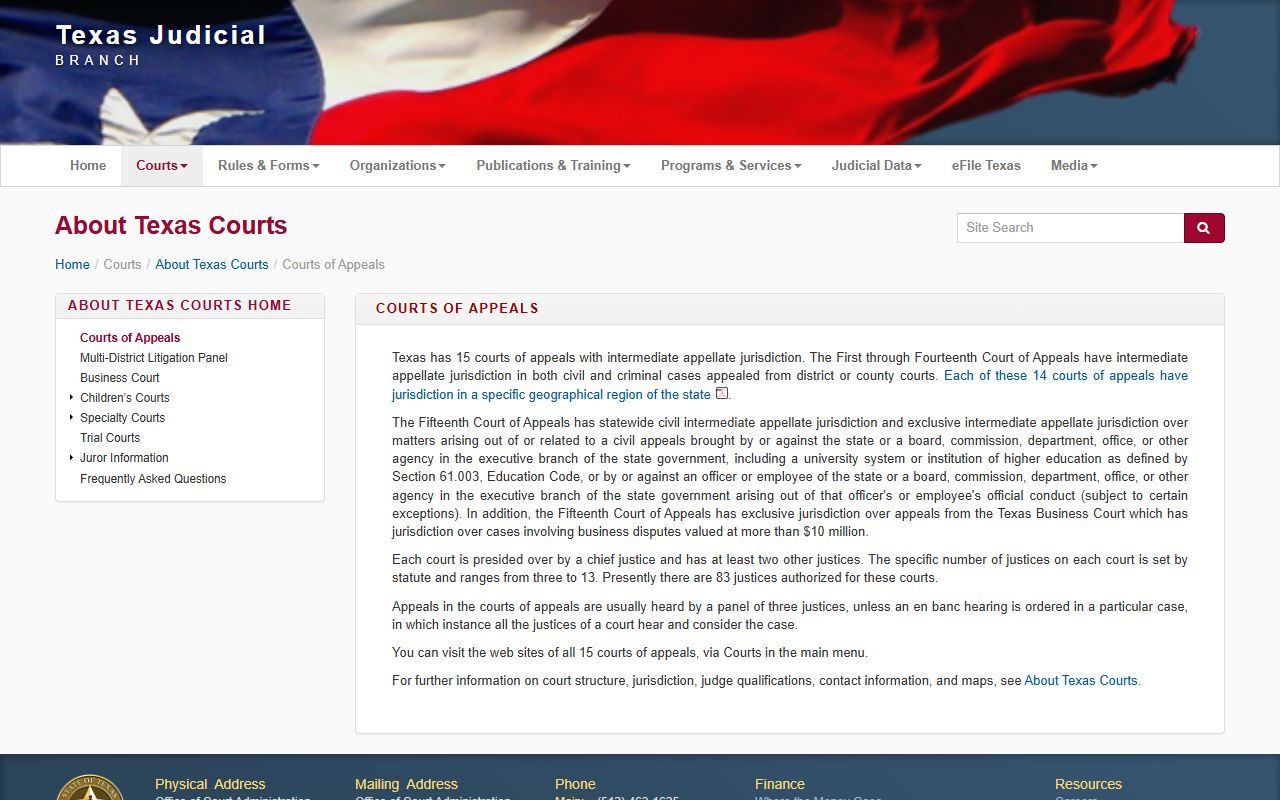
That overview helps you see where a Collin County district or county court case goes once a party files an appeal.